How to use Section 8 Insider
From a ZIP code to a deal you can take to your lender, in eight steps.
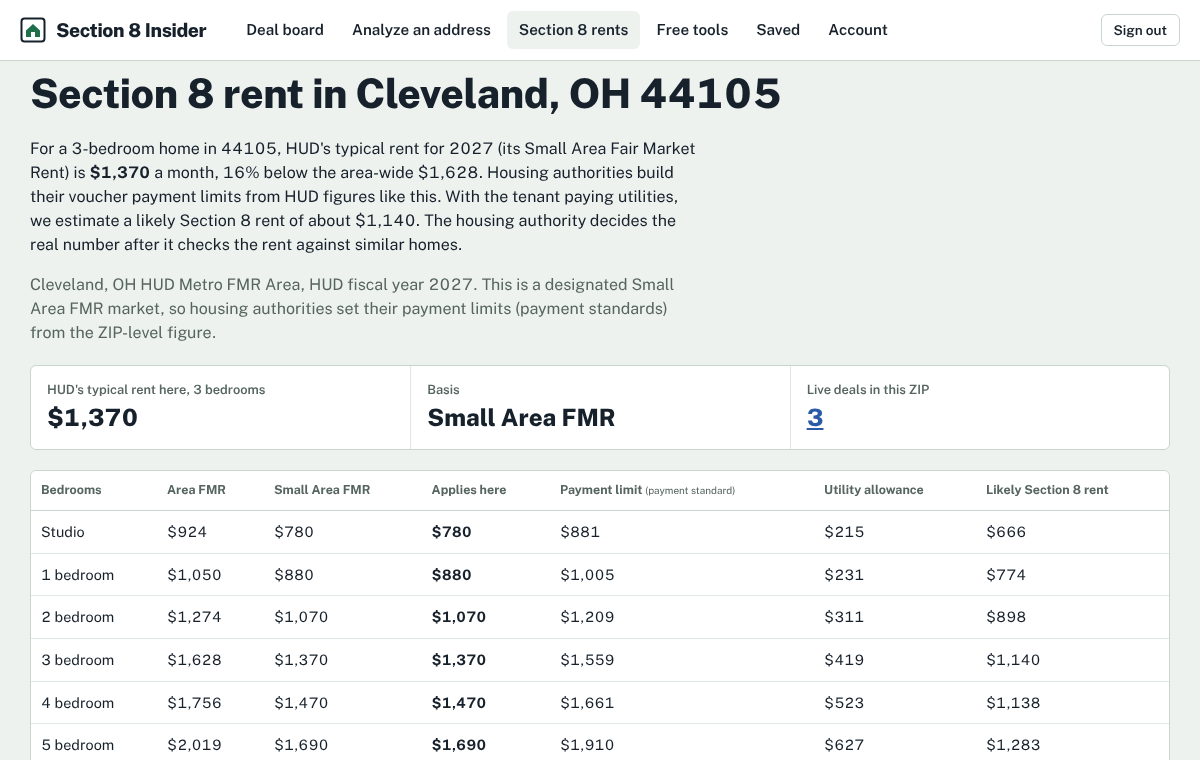
1Look up the rent for a ZIP
Enter any ZIP on the home page or go to Section 8 rents. You'll see HUD's rent for each bedroom size and, where we have loaded it, the housing authority's payment standard and utility allowance.
This is free and needs no account.
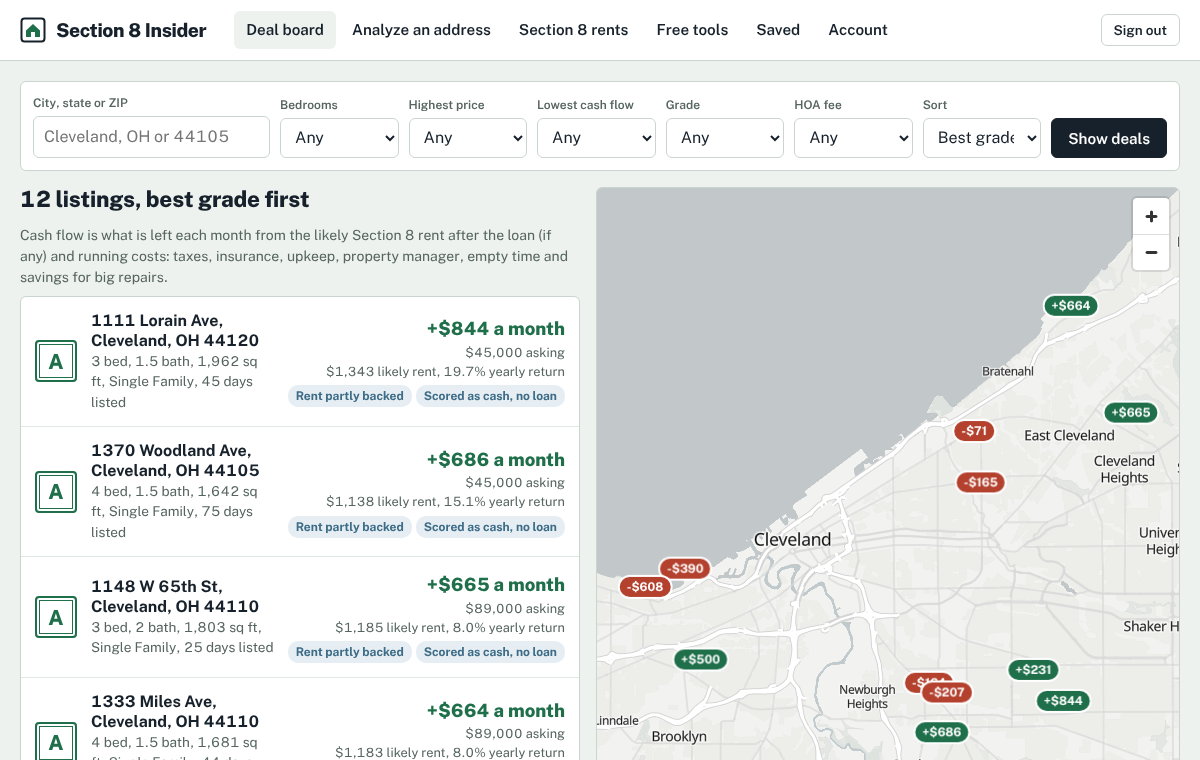
2Open the deal board
Every home for sale in our markets, graded A to D on cash flow at the rent the housing authority is likely to approve.
Filter by city or ZIP, price, bedrooms, cash flow and grade. Sort by grade, cash flow, cash-on-cash, price or newest. With a free account you see every address and can save a search; homes added since your last look are marked New.
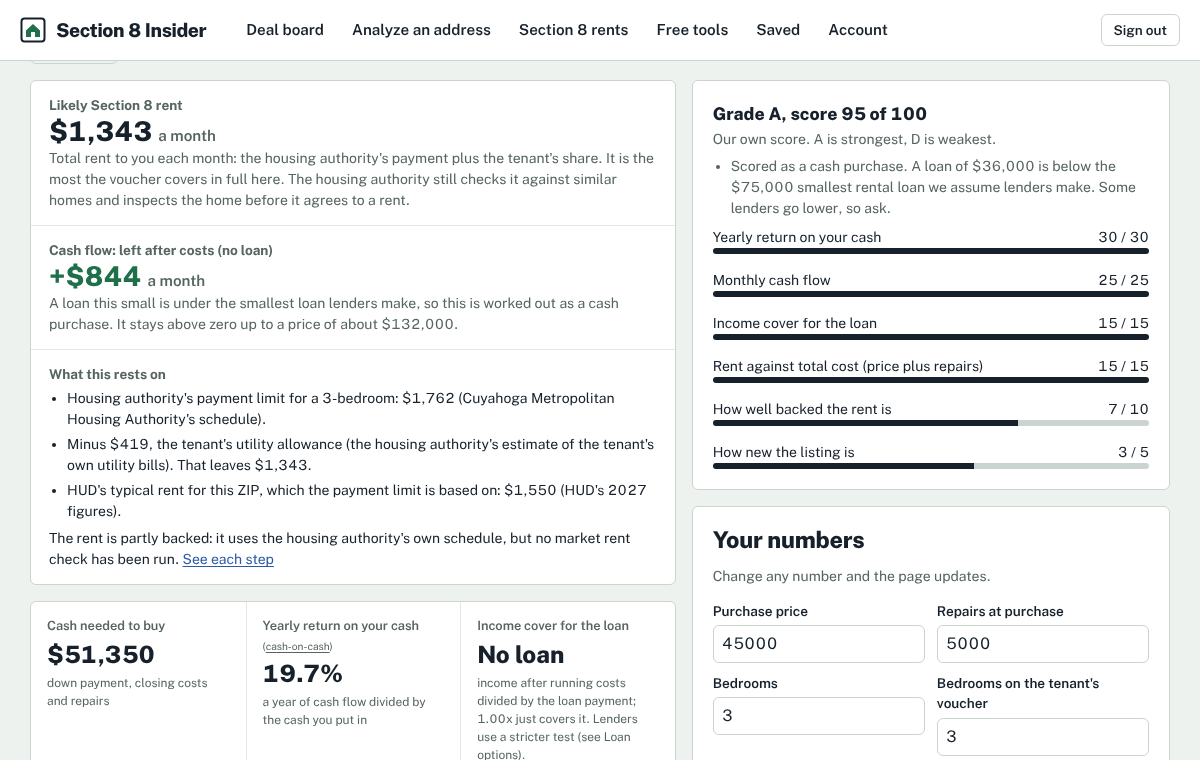
3Read one deal
The top shows estimated cash flow, the rent we plan on, cash-on-cash return, cash to close and debt coverage.
Below that, the rent is worked out line by line, and every monthly cost is listed. Change any assumption (price, repairs, taxes, insurance, down payment, rate) and everything updates.
4Use the deal tools
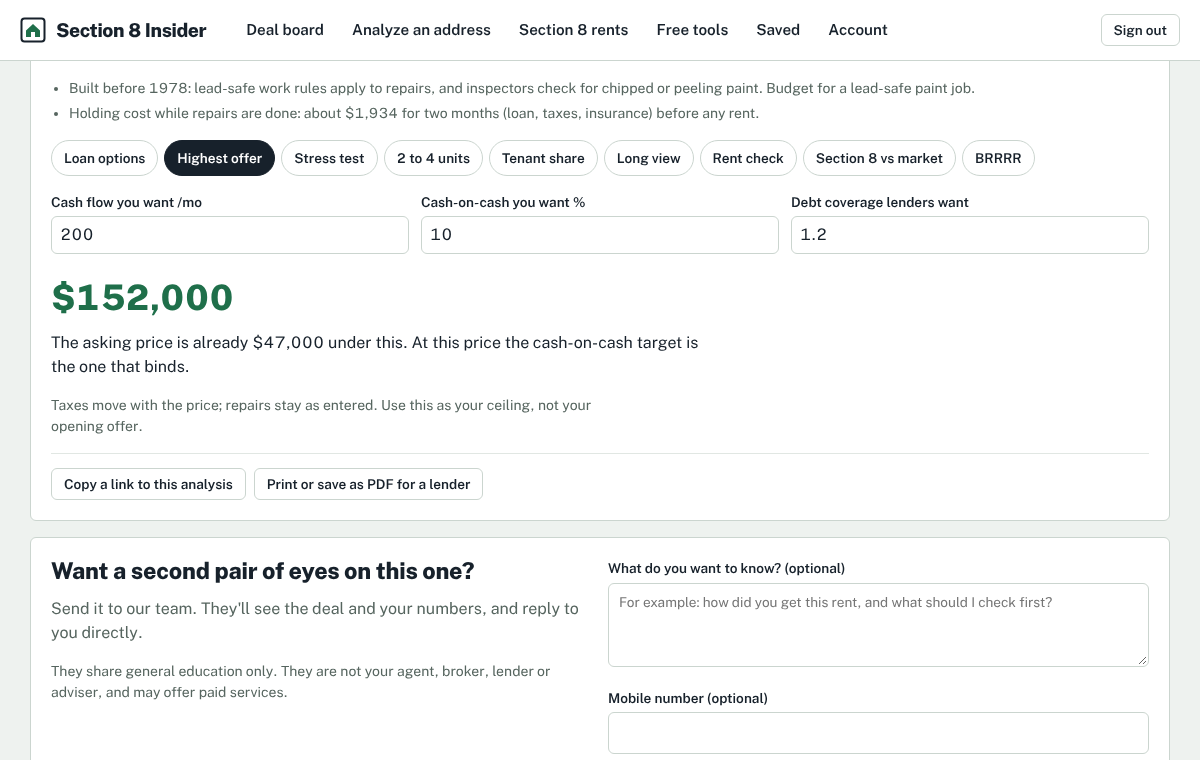
Under the analysis: loan options side by side, the highest price that still meets your targets, a stress test, 2 to 4 units, the tenant's share and the 40% check, a 30-year view, a rent check worksheet, Section 8 against market rent, and BRRRR.
Copy a link to share the exact analysis, or print it as a PDF for your lender.
5Save, compare and export
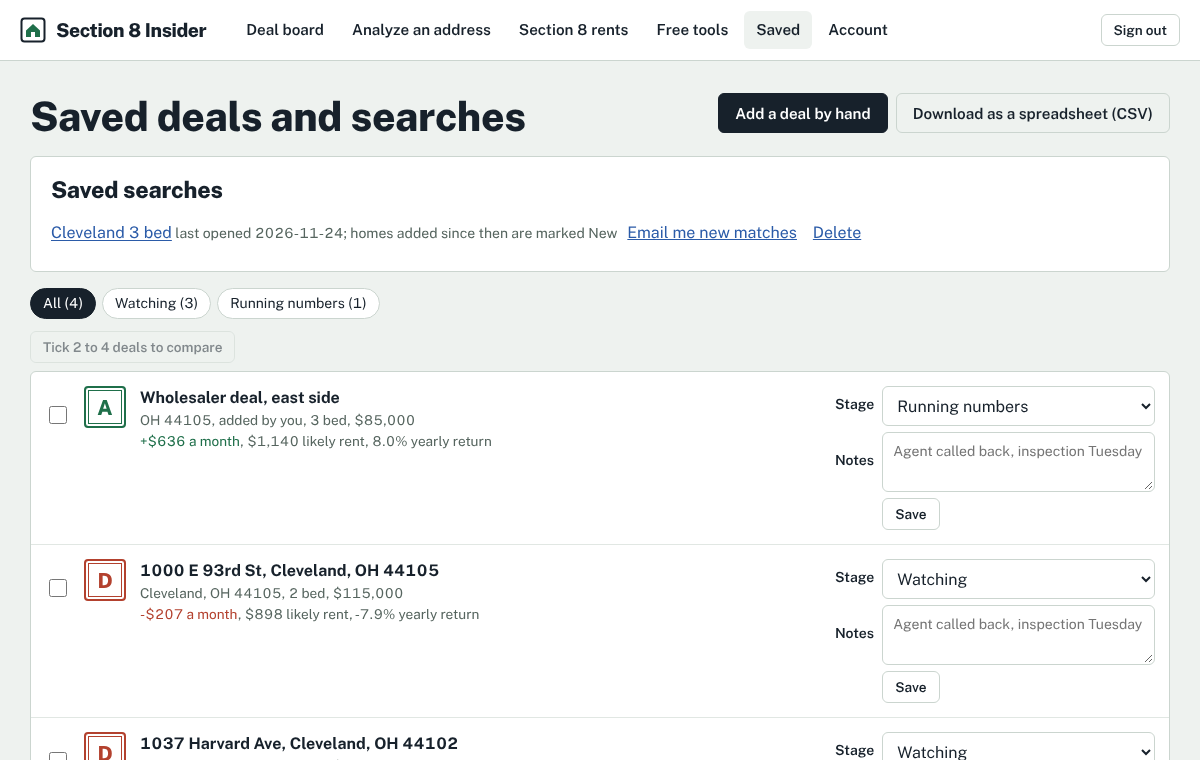
Save deals from the board or add your own by hand. Give each a stage (watching, running numbers, offer made, under contract, bought, passed) and notes.
Tick two to four to compare them side by side, or download everything as a CSV.
6Set your buy box
Under Account, enter your highest price, fewest bedrooms, lowest cash flow and cash-on-cash. Every deal then tells you whether it fits and, if not, why.
7Track your rentals
Under My rentals, add each home you own with its rent, the authority's payment and the tenant's share. Record what was paid each month; short months show in red.
Add the lease end, next inspection and income review month to get every deadline, including the last day to ask for a rent increase, and download them to your calendar.
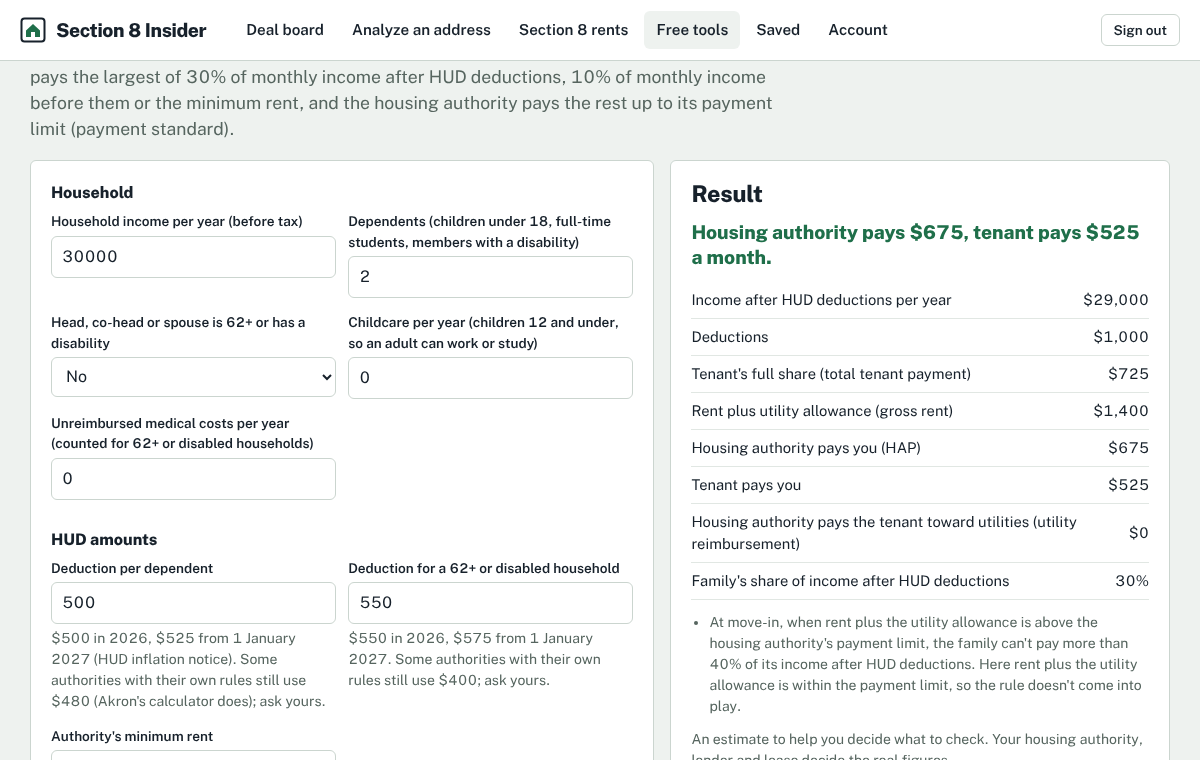
8Use the free tools
13 calculators, 4 checklists, a listing writer with a fair housing check, HUD income limits by ZIP, the official HUD forms and a glossary, all under Free tools.